View and Language options
List refresh
This functionality allows you to refresh the rule list after any kind of update (creation, deletion, renaming and so on). To refresh the rule list, click on the refresh icon on top left of the rule list.
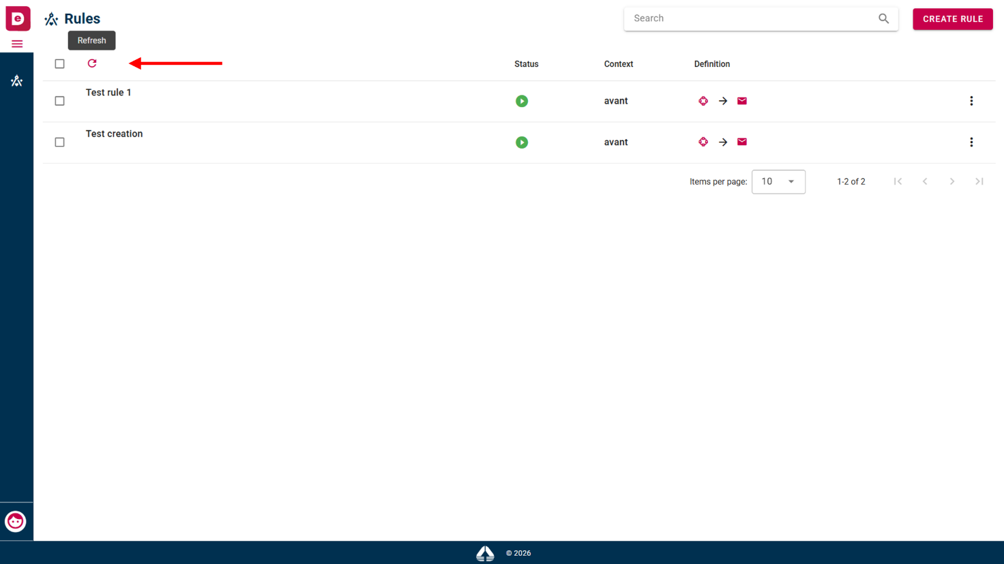 Refresh icon
Change language
This functionality allows you to change the application language. To change language, click on the profile icon on the bottom left of the page, then select “Language” option and then select the language that you want.
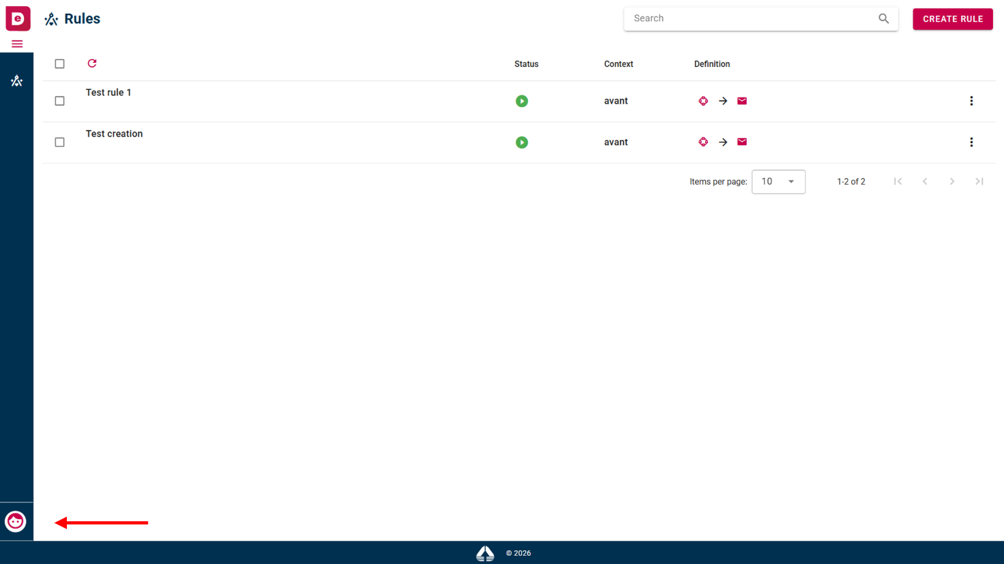 Profile icon
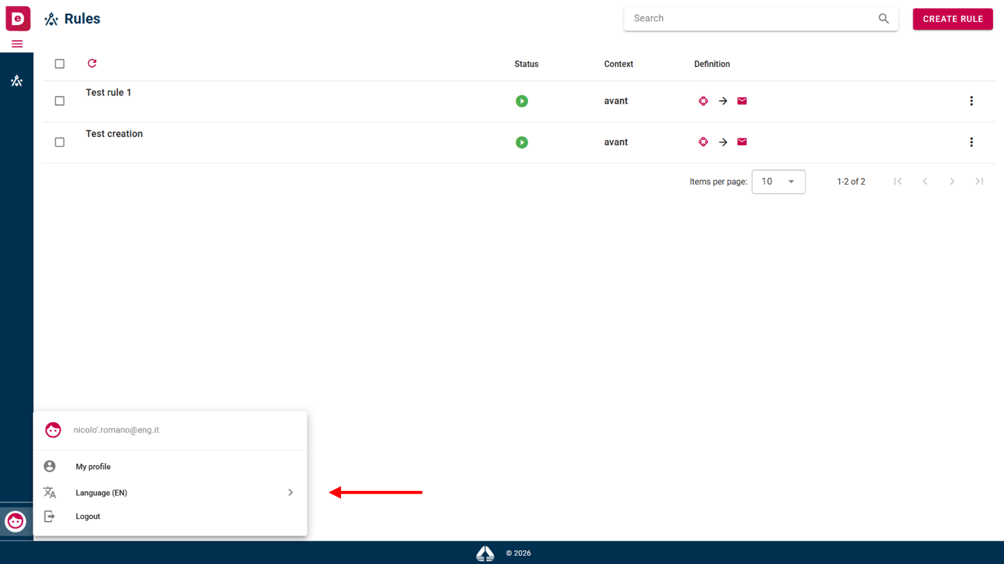 Language option
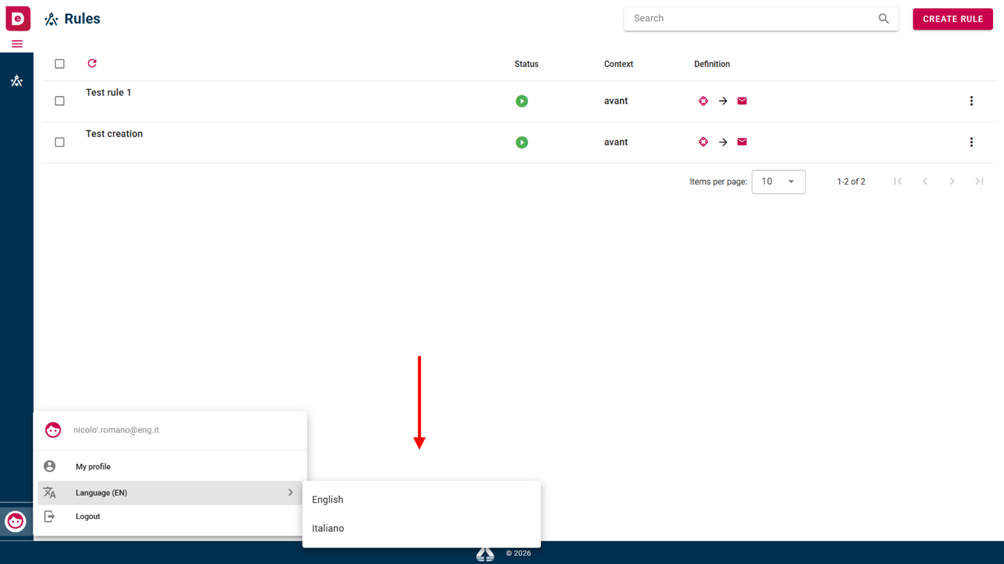 Languages available